Business Templates
Excel and Google Sheets templates for small businesses and the self-employed: service business trackers, income and expense, quarterly taxes, mileage and inventory. Each file comes with a filled-in example and a blank copy, with the formulas built in.
Service Business Trackers
See all-
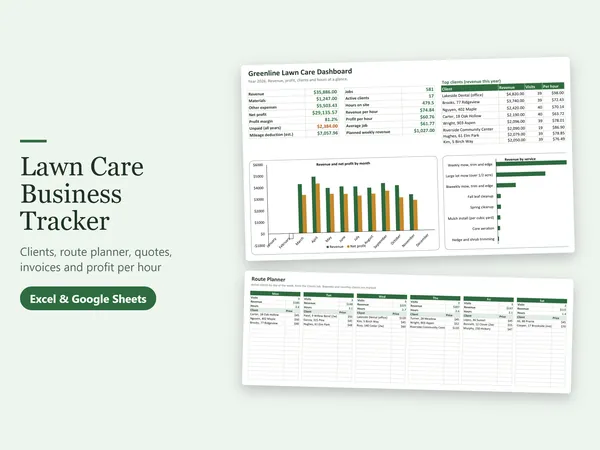 Lawn Care Business Tracker
Clients, jobs, pricing, invoices and profit for a lawn care business.
-
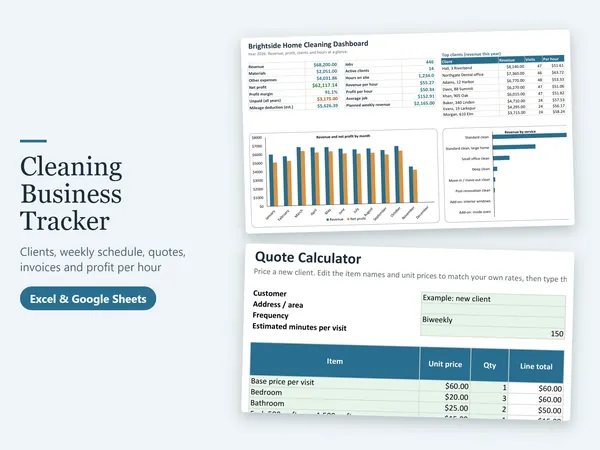 Cleaning Business Tracker
Clients, schedule, price calculator and profit for house cleaning.
-
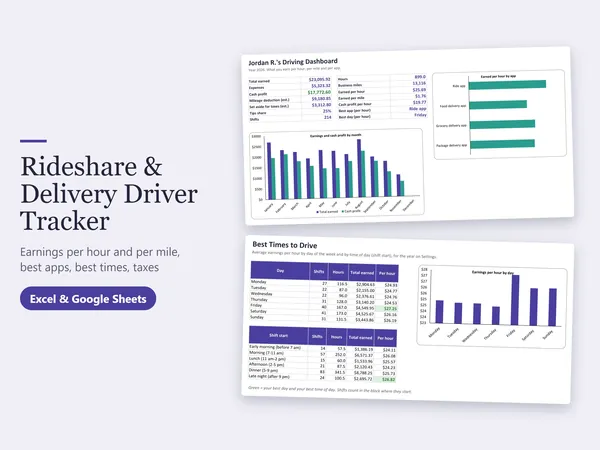 Rideshare & Delivery Driver Tracker
Earnings, miles and expenses for rideshare and delivery drivers.
-
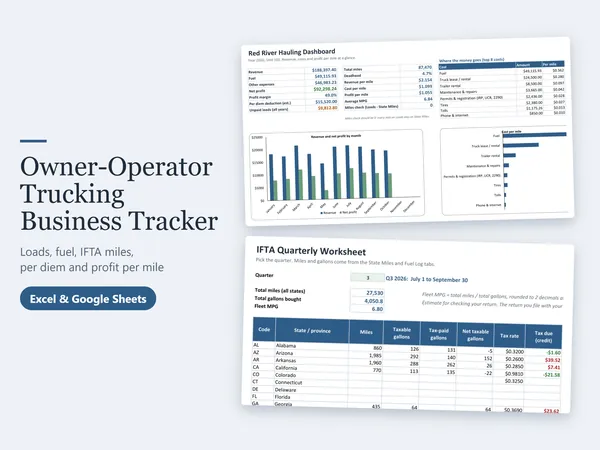 Owner-Operator Trucking Business Tracker
Loads, miles, fuel and profit per mile for owner-operators.
-
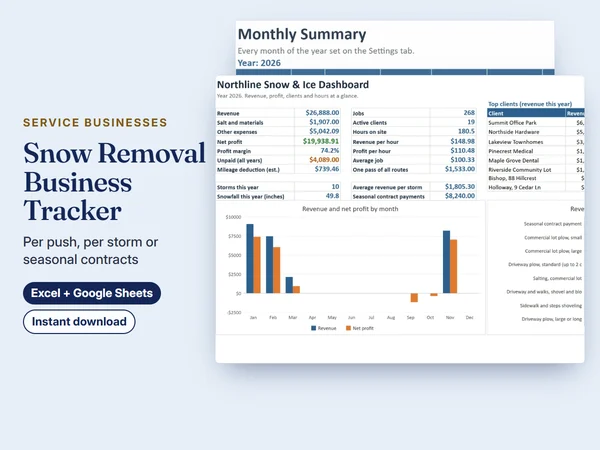 Snow Removal Business Tracker
Clients, storms, pushes, invoices and profit for snow removal.
-
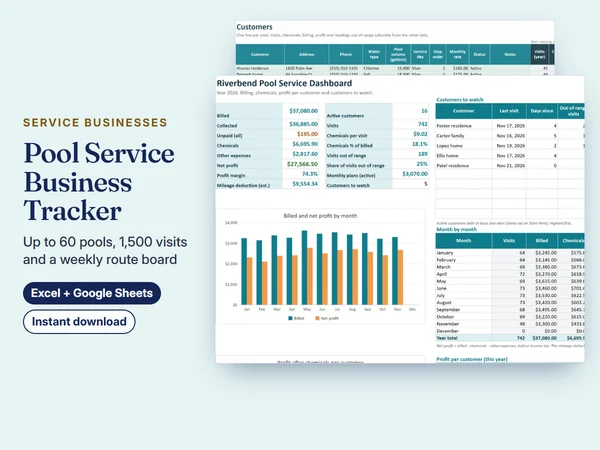 Pool Service Business Tracker
Route, visits, water readings, chemical costs, billing and profit per pool.
Self-Employed, Taxes & Mileage
See all-
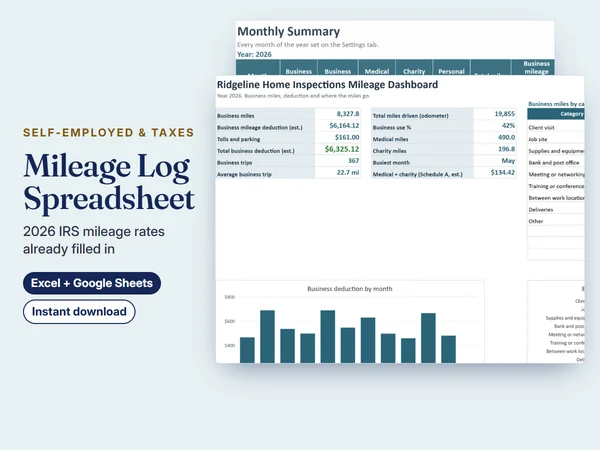 Mileage Log Spreadsheet
Log trips once and see business miles and deduction add up.
-
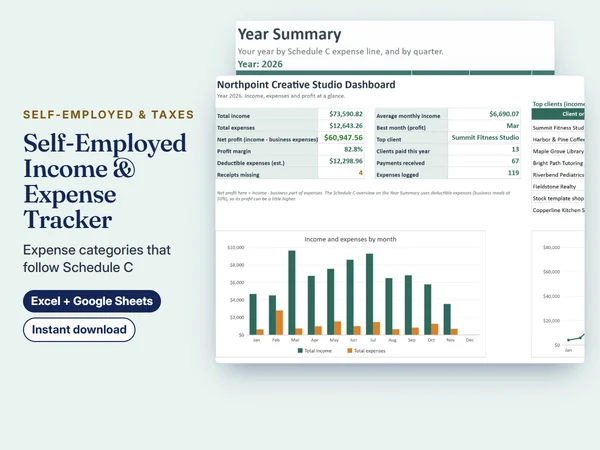 Self-Employed Income & Expense Tracker
Income, expenses and monthly profit and loss by Schedule C line.
-
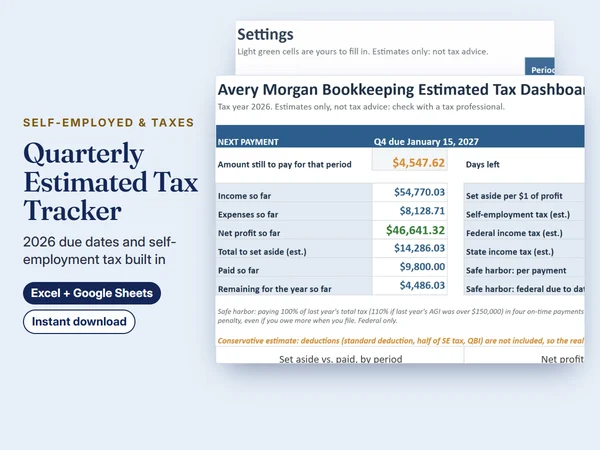 Quarterly Estimated Tax Tracker
What to set aside and pay for each estimated tax due date.
-
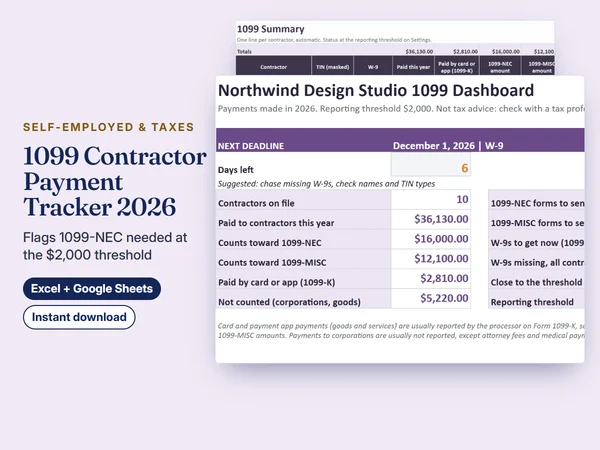 1099 Contractor Payment Tracker 2026
Log contractor payments and see who needs a 1099 at the $2,000 threshold.
-
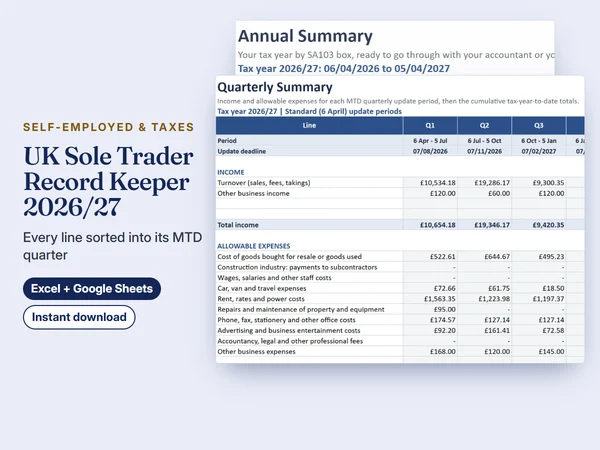 UK Sole Trader Record Keeper 2026/27
Income, expenses and mileage by quarter and SA103 box. UK tax year, £ amounts.
Inventory for Resellers & Makers
See all-
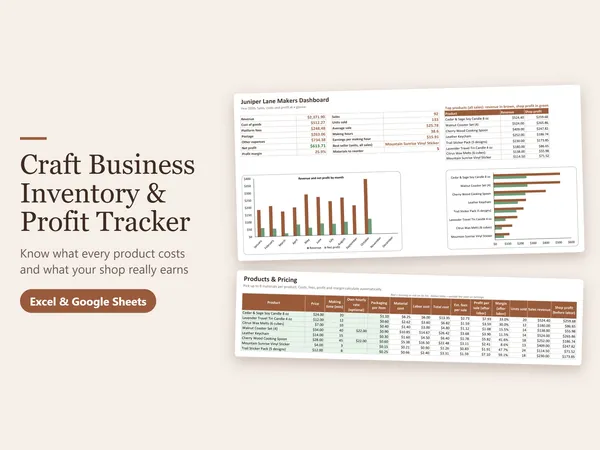 Craft Business Inventory & Profit Tracker
Materials, product costs, pricing and sales for makers.
-
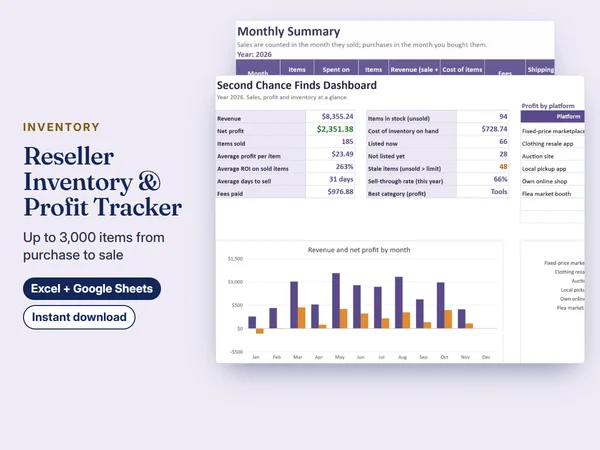 Reseller Inventory & Profit Tracker
Every item from purchase to sale, with fees, profit and ROI.
Inspection & Maintenance Logs
See all-
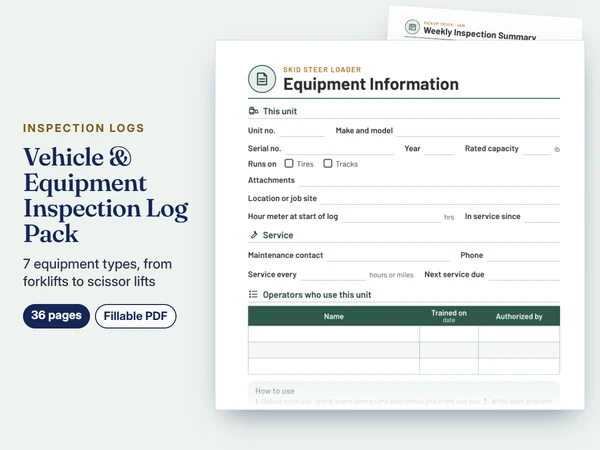 Vehicle & Equipment Inspection Log Pack
Daily pre-use checklists, defect reports and service logs for 7 equipment types.
-
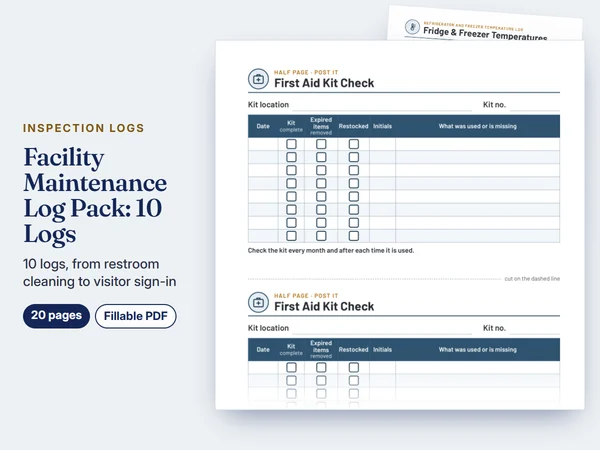 Facility Maintenance Log Pack: 10 Logs
Restroom, extinguisher, fridge, first aid, visitor and 5 more everyday logs.
Professional Journals & Records
See all-
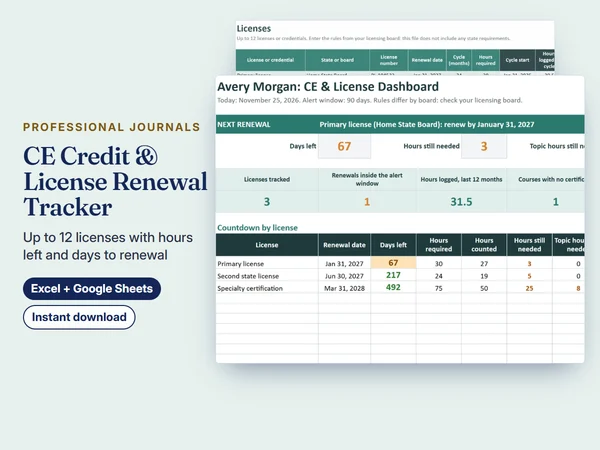 CE Credit & License Renewal Tracker
CE hours, renewal dates and required topics for up to 12 licenses.
-
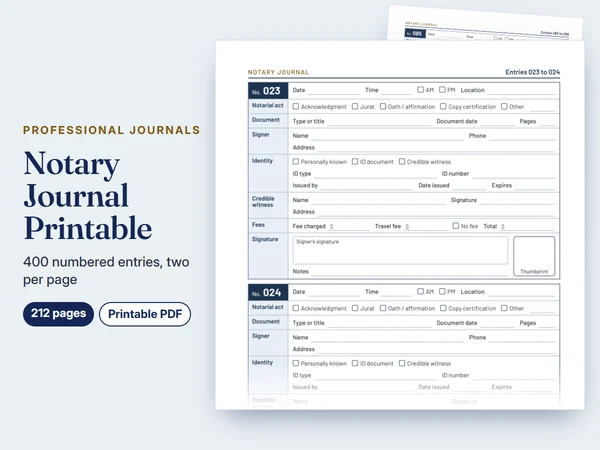 Notary Journal Printable
400 numbered journal entries with thumbprint boxes, fee log and signer index.
Business Templates: buying guide
Our business templates are for people who run a small operation on their own or with a small crew: lawn care, house cleaning, snow removal, trucking, rideshare and delivery driving, handmade goods and reselling. They also suit freelancers who want clean records when tax time comes.
Start with the template made for your kind of work. The service business trackers keep clients, jobs, quotes, invoices, expenses and mileage in one file. The inventory trackers follow every item or product from cost to sale, with fees and profit. The self-employed templates cover income and expenses by Schedule C line, quarterly estimated taxes and a mileage log.
Every template comes as two Excel files, a filled-in example and a blank copy, plus a link that saves your own Google Sheets copy to your Google Drive. The formulas are already in place, and each file opens on a Start Here tab with step-by-step instructions. Look through the example first to see what each tab does, then fill in the Settings tab of the blank copy and start logging.
Excel or Google Sheets? Excel keeps the file on your own computer. Google Sheets runs in a browser and on a phone, so you can log a job or a shift away from your desk and share the file with a partner or bookkeeper. You get both, so you can switch at any time.
These templates organize your own numbers. They are not tax or legal advice: check the figures that matter with a tax professional.
Common questions
Do I need Microsoft Excel?
No. Each template includes a Google Sheets link: one click saves your own copy to your Google Drive, free. The formulas work in both Excel and Google Sheets.
Which file should I open first?
The filled-in example. It shows every tab with sample data, so you can see how the numbers flow. When you are ready, open the blank copy and enter your own details in the Settings tab.
Can I use my own expense categories?
Yes, in most templates. The Settings tab is where you name your own expense categories, and the drop-down lists in the expense log use them.
Can I share the totals with my tax preparer?
Yes. The income and expense tracker totals your expenses by Schedule C line, and the mileage log adds up business miles and the estimated deduction. Your tax preparer should check the figures before you file.