About this template
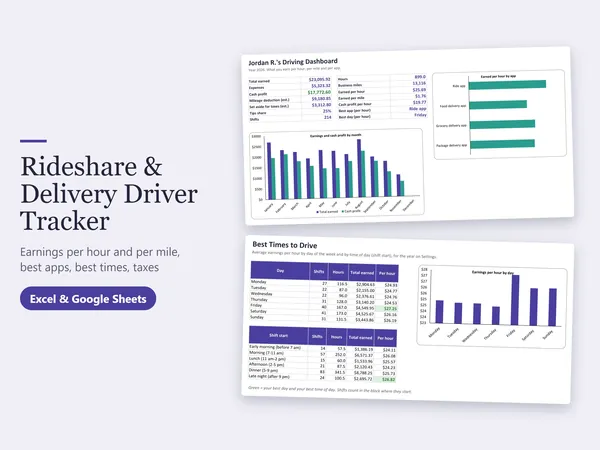
Find out what you really earn driving: per hour, per mile and per app, after gas and costs. Log each shift in seconds and see which app, which day and which time of day pay you the most.
Good to know
- Works with any app: rideshare, food delivery, grocery delivery, package delivery. App names are generic so you can type your own
- Works with Excel (desktop, Excel 2010 or later, and Excel for the web) and Google Sheets: upload the file to Google Drive and open it with Google Sheets
- Light green cells are for your entries; everything else calculates automatically. In Excel, formulas are protected from accidental changes (no password, you can unprotect the sheets to customize them)
- The mileage rate and the set-aside percentage in the example file are examples only: enter your own
- Amounts in US dollars, distances in miles
- This is a record-keeping tool, not tax, legal or accounting advice. The tax set-aside is an estimate to help you save
What's inside (9 tabs)
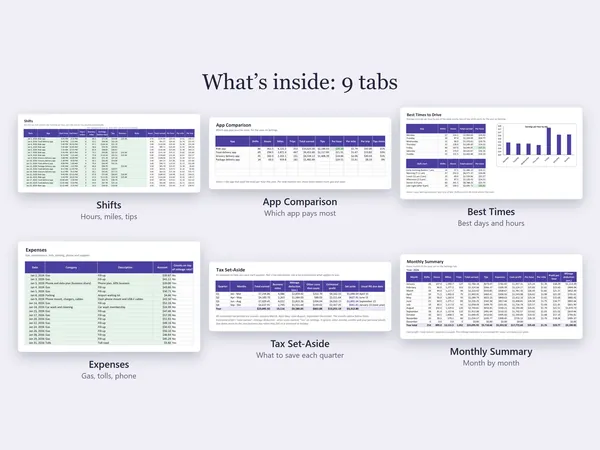
- Start Here: step-by-step instructions inside the file
- Settings: your name, the year, up to 8 apps (rename them as you like), your mileage rate, the share of profit you want to set aside for taxes, odometer readings and your expense categories
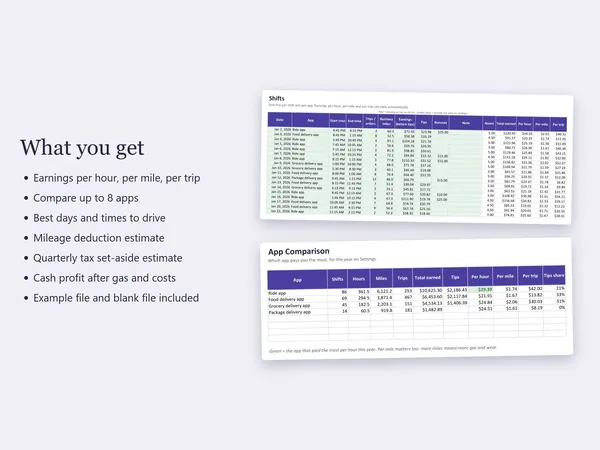
- Shifts: up to 1,500 shifts with date, app, start and end time, trips or orders, business miles, earnings, tips and bonuses. Hours, total earned, per hour, per mile and per trip calculate automatically
- Expenses: up to 1,000 costs (gas, maintenance, tolls, parking, phone, supplies) with a category drop-down
- App Comparison: shifts, hours, miles, earnings, per hour, per mile, per trip and tips share for each app, with the best one highlighted
- Best Times: earnings per hour by day of the week and by time of day, with your best day and best time highlighted
- Tax Set-Aside: for each IRS estimated tax period, your earnings, estimated mileage deduction, other costs that count, estimated profit and the amount to set aside at your own percentage
- Monthly Summary: shifts, hours, miles, trips, earnings, tips, expenses, cash profit, per hour, per mile and estimated mileage deduction for every month
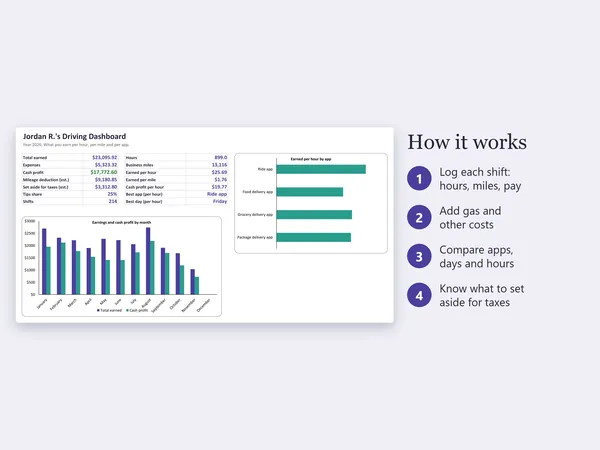
- Dashboard: key numbers, best app, best day and 2 charts (earnings and cash profit by month, earnings per hour by app)
Look inside
File details
- Format
- Excel (.xlsx), opens in Google Sheets
- Tabs
- 9
- License
- Personal use
- Delivery
- Instant download, 2 files
| File | Type | Size |
|---|---|---|
| Rideshare_Delivery_Driver_Tracker.xlsxfilled in with a full example year so you can see how it works | Excel (.xlsx) | 258 KB |
| Rideshare_Delivery_Driver_Tracker_Blank.xlsxthe same file, ready for your own driving | Excel (.xlsx) | 248 KB |
Personal use. Please do not resell or share the files. About licenses
Questions
How do I get my files?
Right after payment, your download links appear on screen and arrive by email. Each link works for 7 days and 5 downloads, so save the files to your device.
Do I need Excel?
No. The .xlsx files open in Excel, and in Google Sheets for free: upload the file to Google Drive and open it with Google Sheets. Formulas keep working in both.
Will anything be shipped?
No. This is a digital download. Nothing is mailed to you, and there are no shipping costs.
What if a file does not work?
Write to us and we will fix it or send a new file. You can also ask for a full refund within 14 days, no questions asked.
You may also like
All spreadsheets-
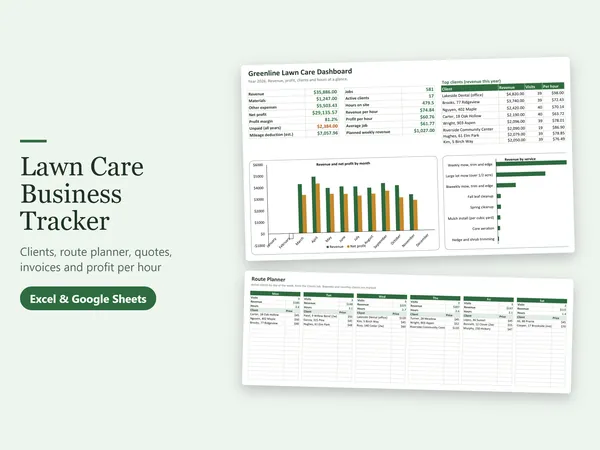 Lawn Care Business Tracker
Clients, jobs, pricing, invoices and profit for a lawn care business.
-
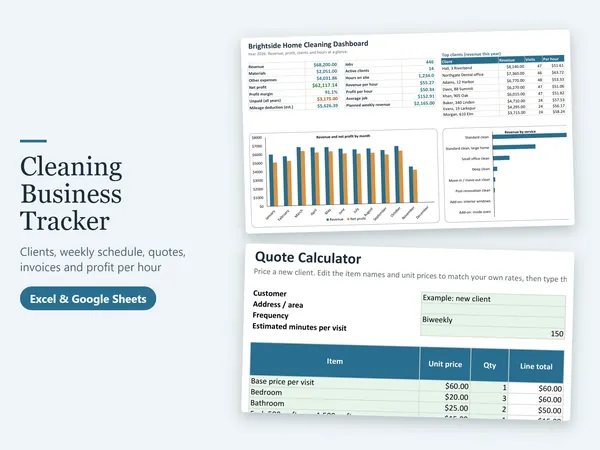 Cleaning Business Tracker
Clients, schedule, price calculator and profit for house cleaning.
-
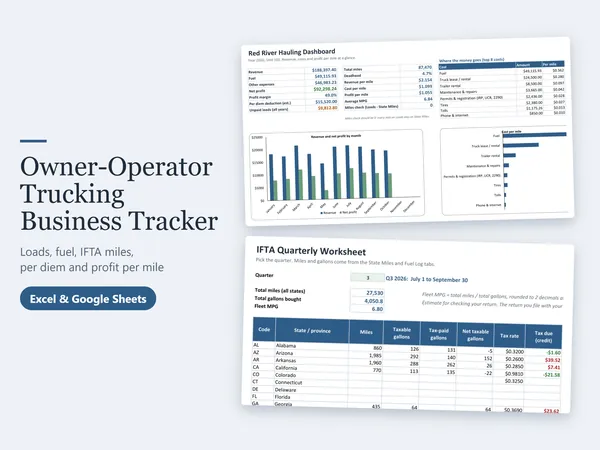 Owner-Operator Trucking Business Tracker
Loads, miles, fuel and profit per mile for owner-operators.
-
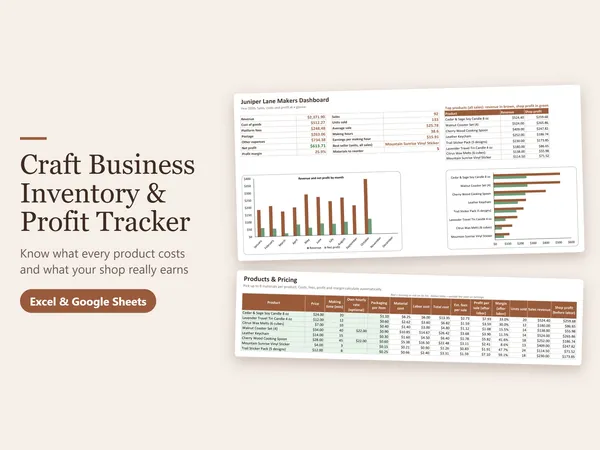 Craft Business Inventory & Profit Tracker
Materials, product costs, pricing and sales for makers.