About this template
Perfect for
- Plowing, shoveling and salting businesses
- Tracking seasonal contracts and per-push clients
- Knowing your real profit after every storm
A snow removal business spreadsheet built for plowing, shoveling and salting. Keep every client, contract, push and payment in one file: per push, per storm or seasonal. Log each storm and see how many pushes it took, what it earned and what it cost, print invoices, and know your real profit for the year.
Good to know
- Works with Excel (desktop, Excel 2010 or later, and Excel for the web) and Google Sheets: upload the file to Google Drive and open it with Google Sheets
- Seasonal contracts: log the installments as payments and each push at $0, so your hours and revenue per hour stay right
- The year on Settings is a calendar year, like your tax year
- Light green cells are for your entries; everything else calculates automatically. In Excel, formulas are protected from accidental changes (no password)
- Drop-down lists and input checks prevent typing mistakes; missing entries turn red
- This is a record-keeping tool, not tax, legal or accounting advice
What's inside (13 tabs)
- Start Here: step-by-step instructions inside the file
- Dashboard: revenue, salt and materials, expenses, net profit, margin, unpaid balance, hours, revenue and profit per hour, storms of the year, snowfall, average revenue per storm, seasonal payments, top clients and 2 charts
- Settings: business details for your invoices, year, payment terms, target hourly rate, mileage rate, contract types (Per push, Per storm, Seasonal, One-time) with a price adjustment and typical visits per season, expense categories, routes
- Services: driveway plowing, shoveling, snow blowing, salting, commercial lots, roof raking, hauling: price, minutes and salt per visit, revenue per hour and what is left after salt and your labor
- Clients: up to 200 properties with service, contract, route, price per push, status and notes. Visits, revenue, hours, revenue per hour and unpaid balance calculate from the Job Log
- Route Planner: active clients sorted into 4 routes, with the visits, revenue and hours of one full pass
- Quote Calculator: price a property per push (driveway size, walks, steps, salt), then see the per-storm or seasonal contract price and what it earns per hour
- Job Log: up to 2,000 pushes and visits. Blank service or price = the client's usual one. Unpaid jobs are flagged in orange
- Storm Log: one line per storm with dates, type and snowfall; pushes, revenue, hours, salt and revenue per inch are counted for you, with a check against your trigger depth, and a revenue by storm chart
- Invoice: pick a client and a month, every visit and payment is listed with the balance due. Print or save as PDF
- Expenses and Mileage: fuel, bulk salt, cutting edges, truck maintenance, helpers, equipment, and business miles
- Monthly Summary: visits, revenue, materials, expenses, net profit, hours, revenue per hour and miles for every month
Look inside
Every tab, up close
The example file, exactly as it opens. Click any tab to see it full size.
Dashboard Settings Services Clients Route Planner Quote Calculator Job Log Storm Log Invoice Monthly Summary
File details
- Format
- Excel (.xlsx) and Google Sheets
- Tabs
- 13
- License
- Personal use
- Delivery
- Instant download, 2 files + 2 Google Sheets copy links
| File | Type | Size |
|---|---|---|
| Snow_Removal_Business_Tracker.xlsxfilled in with an example year so you can see how it works | Excel (.xlsx) | 465 KB |
| Snow_Removal_Business_Tracker_Blank.xlsxthe same file, ready for your own business | Excel (.xlsx) | 454 KB |
| Snow Removal Business TrackerGoogle Sheets version: one click makes your own copy in Google Drive | Google Sheets | link |
| Snow Removal Business Tracker BlankGoogle Sheets version: one click makes your own copy in Google Drive | Google Sheets | link |
Personal use. Please do not resell or share the files. About licenses
Questions
How do I get my files?
Right after payment, your download links appear on screen and arrive by email. Each link works for 7 days and 5 downloads, so save the files to your device.
Do I need Excel?
No. You get the Excel files and a Google Sheets version of each one: one click on the Google Sheets link saves your own copy to your Google Drive, free. Formulas work in both.
Will anything be shipped?
No. This is a digital download. Nothing is mailed to you, and there are no shipping costs.
What if a file does not work?
Write to us and we will fix it or send a new file. You can also ask for a full refund within 14 days, no questions asked.
You may also like
All service businesses-
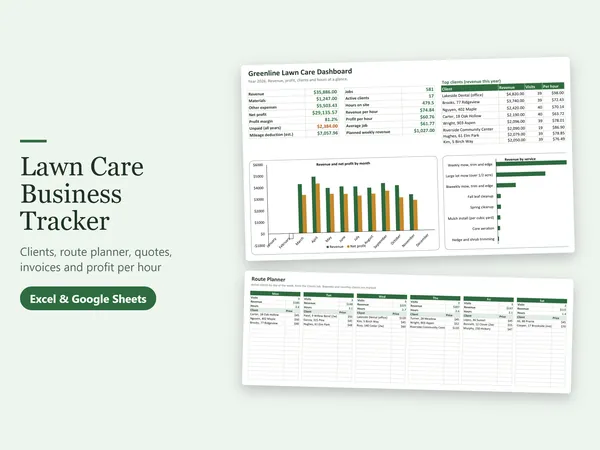 Lawn Care Business Tracker
Clients, jobs, pricing, invoices and profit for a lawn care business.
-
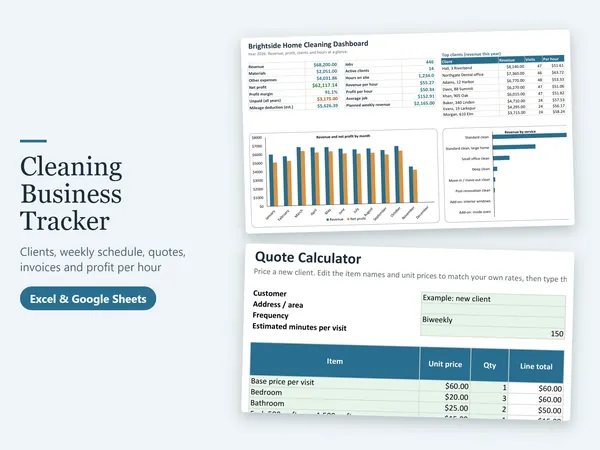 Cleaning Business Tracker
Clients, schedule, price calculator and profit for house cleaning.
-
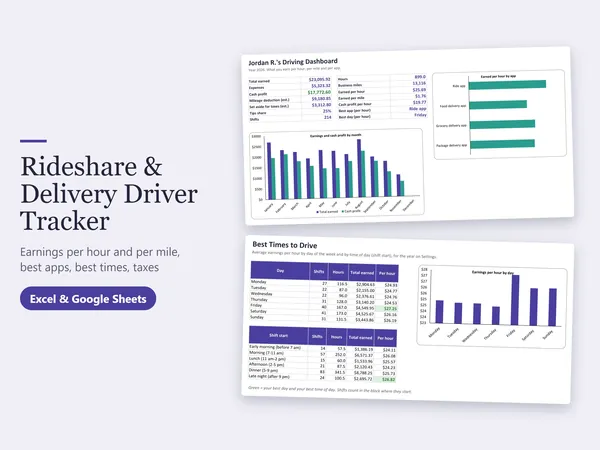 Rideshare & Delivery Driver Tracker
Earnings, miles and expenses for rideshare and delivery drivers.
-
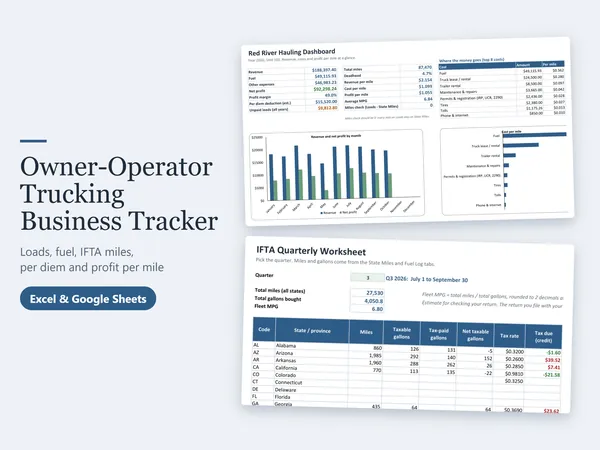 Owner-Operator Trucking Business Tracker
Loads, miles, fuel and profit per mile for owner-operators.