Service Business Trackers
Spreadsheets built for lawn care, cleaning, pool service, snow removal, trucking and rideshare businesses: jobs, clients, invoices, expenses and a profit dashboard.
-
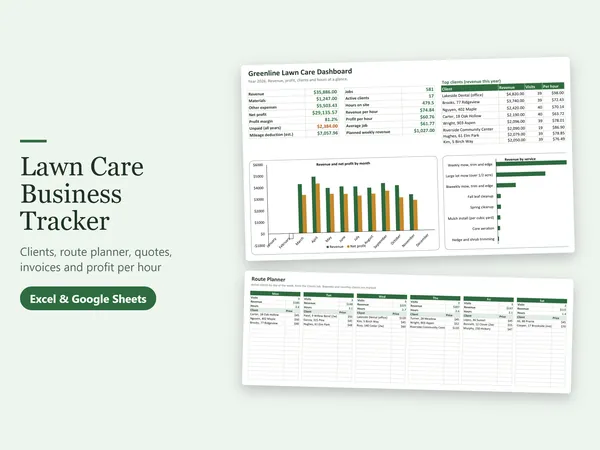 Lawn Care Business Tracker
Clients, jobs, pricing, invoices and profit for a lawn care business.
-
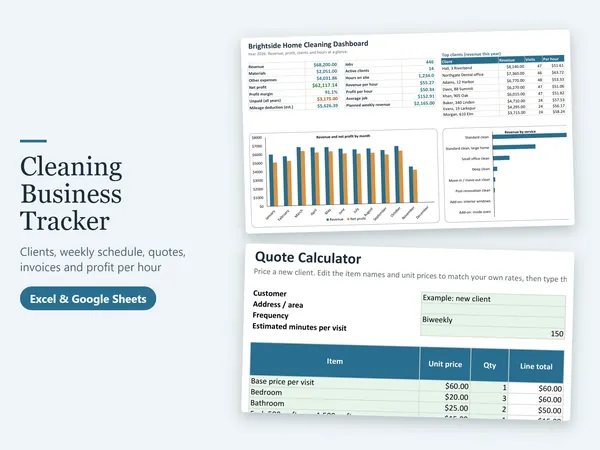 Cleaning Business Tracker
Clients, schedule, price calculator and profit for house cleaning.
-
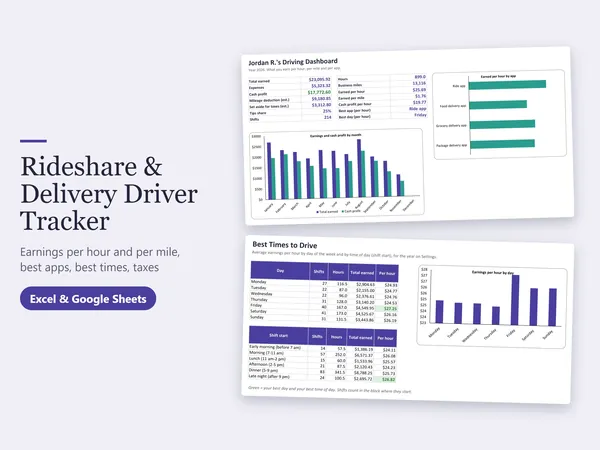 Rideshare & Delivery Driver Tracker
Earnings, miles and expenses for rideshare and delivery drivers.
-
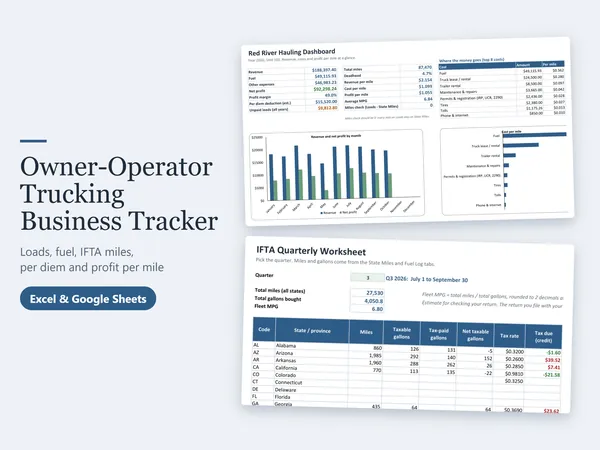 Owner-Operator Trucking Business Tracker
Loads, miles, fuel and profit per mile for owner-operators.
-
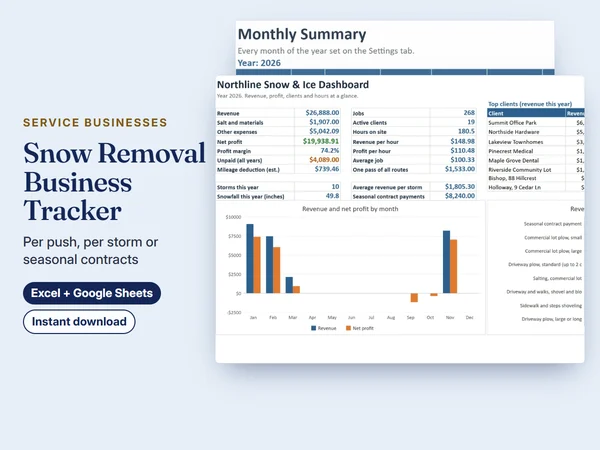 Snow Removal Business Tracker
Clients, storms, pushes, invoices and profit for snow removal.
-
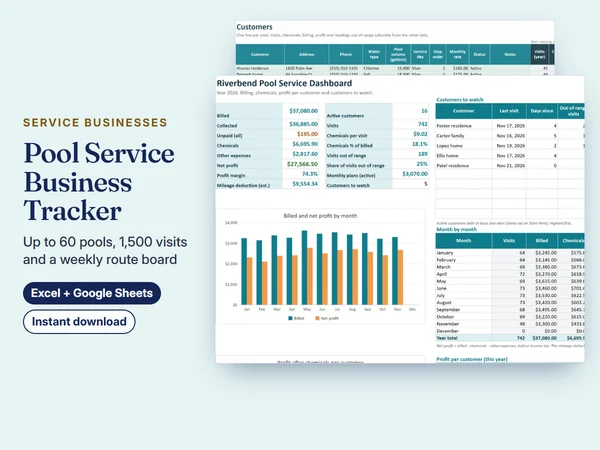 Pool Service Business Tracker
Route, visits, water readings, chemical costs, billing and profit per pool.
Service Business Trackers: buying guide
These trackers are for owner-run service businesses: lawn care, house cleaning, pool service, snow removal, owner-operator trucking, and rideshare and delivery driving. Each one is built around the same question: what does the work really pay once fuel, supplies, chemicals and other costs are taken out.
Pick the tracker for your trade, because the tabs follow the way that work is done. The lawn care and cleaning trackers hold up to 200 clients, a price list of services, a quote calculator, a weekly route or schedule, a job log, a monthly invoice, expenses, mileage and a profit dashboard. The snow removal tracker handles per push, per storm and seasonal contracts and adds a storm log. The pool service tracker holds up to 60 pools with a weekly route board, logs each visit with its water readings, flags readings outside the target ranges you set, and shows chemical cost, billing and profit per customer. The trucking tracker logs loads, fuel, per diem and miles by state, with a quarterly IFTA report and cost per mile. The rideshare and delivery tracker logs shifts for up to 8 apps and shows earnings per hour, per mile and per app, with a tax set-aside for each estimated tax period.
To start, open the filled-in example and click through the tabs. Then open the blank copy and fill in the Settings tab: your business details, your mileage rate and your expense categories, and in most trackers your target hourly rate. After that, add each job, load or shift as it happens. The monthly summary and the dashboard update on their own.
Google Sheets is handy here: it works on a phone, so you can log a job between stops. Excel keeps the file on your computer. Both are included with every tracker.
Common questions
Can I send invoices from the tracker?
The lawn care, cleaning and snow removal trackers have an Invoice tab. Pick a client and a month, and every visit is listed with the total, what is already paid and the balance due. Print it or save it as a PDF to send.
Does the trucking tracker file my IFTA return?
No. It adds up your miles and fuel by state and quarter and estimates the tax due or refund for each state from the rates in its Tax Rates tab. You still file the return yourself.
How many apps can the rideshare tracker compare?
Up to 8. Rename them in Settings to match the apps you drive for, and the App Comparison tab shows earnings per hour, per mile and per trip for each one.
Does the pool service tracker tell me what chemicals to add?
No. It records your readings and the products and quantities you used, and flags readings outside your own target ranges. For amounts, follow the product label and your local health department.