About this template
Perfect for
- Owner-operators running a weekly pool cleaning route
- Logging water readings and products used at every stop
- Seeing chemical cost and profit for each pool
Run your pool service route from one spreadsheet. Log every visit and water test, see which readings are outside the target ranges you set, know what chemicals cost you for each customer, bill your monthly plans and extras, and see your real profit per pool.
About water chemistry
- You set the target ranges. The example values come from public health sources (San Diego County Department of Environmental Health and Quality, and the CDC) and are listed in the file. Replace them with the rules of your state and local health department
- The tracker records readings and flags them. It never tells you which product to add or how much: always follow the product label and your local health department rules
Good to know
- Works with Excel (desktop, Excel 2010 or later, and Excel for the web) and Google Sheets: upload the file to Google Drive and open it with Google Sheets
- Light green cells are for your entries; grey cells calculate automatically. In Excel, formulas are protected from accidental changes (no password)
- Drop-down lists for customers, products, days and payment methods. Missing or unknown entries turn red
- Record-keeping tool, not tax or legal advice. The mileage deduction is an estimate
What's inside (9 tabs)
- Start Here: your settings (business name, year, alert levels) and step-by-step instructions
- Customers: up to 60 pools with address, phone, water type (chlorine, salt or other), pool volume in gallons, service day, stop order, monthly rate and status. Visits, chemical cost, billed, profit after chemicals, readings out of range, last visit and unpaid balance calculate for you
- Route Board: your week at a glance, Monday to Saturday, every active customer in stop order with the gallons and monthly revenue of each day. A (!) marks a pool whose last visit had a reading out of range
- Visit Log: up to 1,500 visits. Free chlorine, combined chlorine, pH, total alkalinity, stabilizer (CYA), salt and water temperature, up to 3 products added with the quantity you used, extra work and its price. Each reading is compared with YOUR target ranges: blue when below, red when above, and an "Out of range" column that lists them (for example "pH high, TA low")
- Chemical Costs: your product list with unit and cost per unit, the chemical cost of each customer month by month, per visit and as a share of what you bill, and how much of each product you used
- Billing: one line per customer per month. The monthly plan comes from the Customers tab and the extras of that month from the Visit Log. Paid, partly paid and unpaid bills are flagged
- Expenses: business costs by category (editable list)
- Mileage: odometer or typed miles, round trips doubled, tolls and parking, with the 2026 IRS business rates filled in: 72.5 cents per mile before July 1, 2026 and 76 cents from July 1, 2026
- Dashboard: billed, collected, unpaid, chemicals, expenses, net profit, profit margin, mileage deduction, profit per customer (table and chart), a month by month table with a chart, and the customers to watch: last visit out of range, chemicals above your alert share, unpaid balance or no recent visit
Look inside
Every tab, up close
The example file, exactly as it opens. Click any tab to see it full size.
Dashboard Customers Route Board Visit Log Chemical Costs Billing Expenses Mileage
File details
- Format
- Excel (.xlsx), opens in Google Sheets
- Tabs
- 9
- License
- Personal use
- Delivery
- Instant download, 2 files
| File | Type | Size |
|---|---|---|
| Pool_Service_Business_Tracker.xlsxfilled in with an example year (17 pools, 742 visits) so you can see how it works | Excel (.xlsx) | 672 KB |
| Pool_Service_Business_Tracker_Blank.xlsxthe same file, ready for your own customers (example target ranges, product list and 2026 IRS rates stay filled in so you can edit them) | Excel (.xlsx) | 639 KB |
Personal use. Please do not resell or share the files. About licenses
Questions
How do I get my files?
Right after payment, your download links appear on screen and arrive by email. Each link works for 7 days and 5 downloads, so save the files to your device.
Do I need Excel?
No. You get the Excel files and a Google Sheets version of each one: one click on the Google Sheets link saves your own copy to your Google Drive, free. Formulas work in both.
Will anything be shipped?
No. This is a digital download. Nothing is mailed to you, and there are no shipping costs.
What if a file does not work?
Write to us and we will fix it or send a new file. You can also ask for a full refund within 14 days, no questions asked.
You may also like
All service businesses-
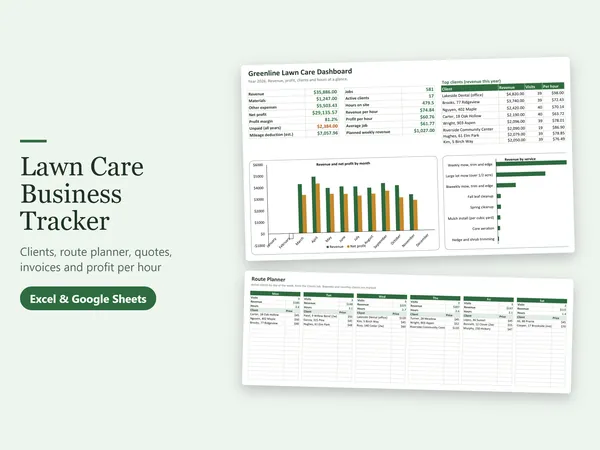 Lawn Care Business Tracker
Clients, jobs, pricing, invoices and profit for a lawn care business.
-
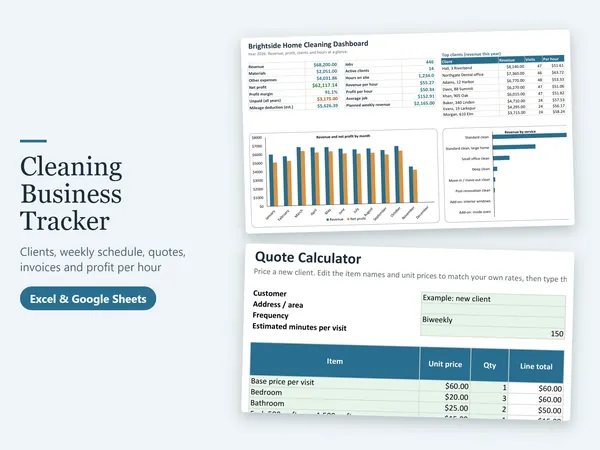 Cleaning Business Tracker
Clients, schedule, price calculator and profit for house cleaning.
-
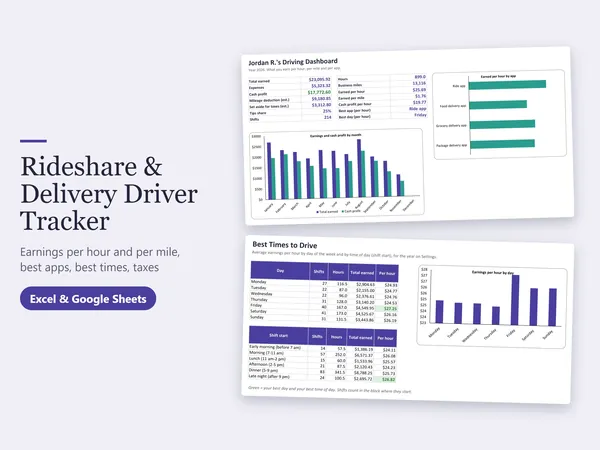 Rideshare & Delivery Driver Tracker
Earnings, miles and expenses for rideshare and delivery drivers.
-
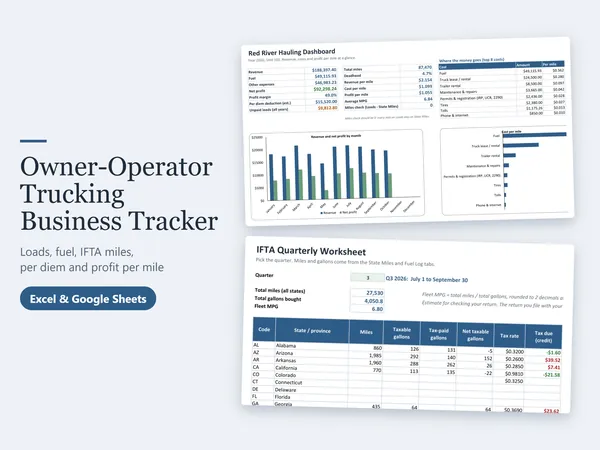 Owner-Operator Trucking Business Tracker
Loads, miles, fuel and profit per mile for owner-operators.