About this template
Perfect for
- Freelancers and independent contractors
- Small business owners who file Schedule C
- Getting your totals ready for tax season
An income and expense tracker for self employed people, freelancers and small business owners. Log what you earn and what you spend; the spreadsheet builds your monthly profit and loss, your year summary by Schedule C line and your dashboard. At tax time, your totals are ready for you or your tax preparer.
Good to know
- Works with Excel (desktop, Excel 2010 or later, and Excel for the web) and Google Sheets: upload the file to Google Drive and open it with Google Sheets
- Light green cells are for your entries; grey cells calculate automatically. In Excel, formulas are protected from accidental changes (no password, you can unprotect the sheets to customize them)
- Drop-down lists and input checks prevent typing mistakes. Missing entries turn red, dates outside the year turn amber, missing receipts turn orange
- Rename or add categories anytime on the Settings tab: every summary follows
- Totals for each IRS estimated tax payment period help you plan your quarterly estimated taxes
- This is a record-keeping tool, not tax, legal or accounting advice. Schedule C lines are a reference: check the current form or ask your tax preparer
What's inside (8 tabs)
- Start Here: step-by-step instructions inside the file
- Settings: business name and year, up to 24 expense categories that follow the expense lines of Schedule C (Form 1040), each with its line number and a deductible % (business meals set to 50%), and up to 8 income types
- Clients: up to 60 clients or income sources, with payments, income this year, share of your income and last payment date
- Income: up to 1,000 payments with date, client or source, income type, description, invoice number, amount and payment method
- Expenses: up to 1,500 expenses with date, vendor, category, description, amount, payment method, business use % (a phone used 70% for work counts 70%) and whether the receipt is saved. Business part, deductible part and Schedule C line fill in automatically
- Monthly P&L: a profit and loss statement for every month: income by type, expenses by category, totals, net profit, margin, year-to-date profit and deductible expenses
- Year Summary: totals by Schedule C line (spent, business part, deductible amount, share), income and profit for each IRS estimated tax payment period (Jan-Mar, Apr-May, Jun-Aug, Sep-Dec), and a Schedule C style overview
- Dashboard: income, expenses, net profit (income - business expenses), margin, deductible expenses, missing receipts, average monthly income, best month, top clients, and 4 charts (income and expenses by month, year-to-date profit, top expense categories, income by type)
Look inside
Every tab, up close
The example file, exactly as it opens. Click any tab to see it full size.
Dashboard Settings Clients Income Expenses Monthly P&L Year Summary
File details
- Format
- Excel (.xlsx) and Google Sheets
- Tabs
- 8
- License
- Personal use
- Delivery
- Instant download, 2 files + 2 Google Sheets copy links
| File | Type | Size |
|---|---|---|
| Self_Employed_Income_Expense_Tracker.xlsxfilled in with a full example year so you can see how it works | Excel (.xlsx) | 152 KB |
| Self_Employed_Income_Expense_Tracker_Blank.xlsxthe same file, ready for your own numbers | Excel (.xlsx) | 144 KB |
| Self Employed Income Expense TrackerGoogle Sheets version: one click makes your own copy in Google Drive | Google Sheets | link |
| Self Employed Income Expense Tracker BlankGoogle Sheets version: one click makes your own copy in Google Drive | Google Sheets | link |
Personal use. Please do not resell or share the files. About licenses
Questions
How do I get my files?
Right after payment, your download links appear on screen and arrive by email. Each link works for 7 days and 5 downloads, so save the files to your device.
Do I need Excel?
No. You get the Excel files and a Google Sheets version of each one: one click on the Google Sheets link saves your own copy to your Google Drive, free. Formulas work in both.
Will anything be shipped?
No. This is a digital download. Nothing is mailed to you, and there are no shipping costs.
What if a file does not work?
Write to us and we will fix it or send a new file. You can also ask for a full refund within 14 days, no questions asked.
You may also like
All self-employed & taxes-
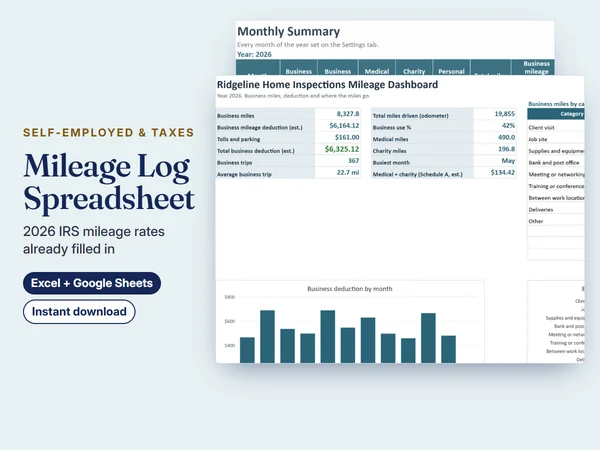 Mileage Log Spreadsheet
Log trips once and see business miles and deduction add up.
-
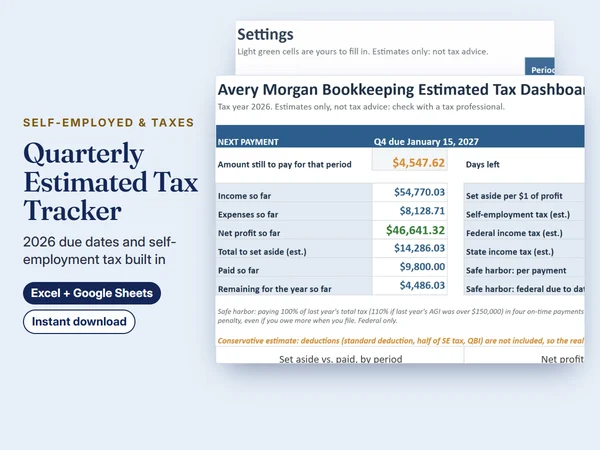 Quarterly Estimated Tax Tracker
What to set aside and pay for each estimated tax due date.
-
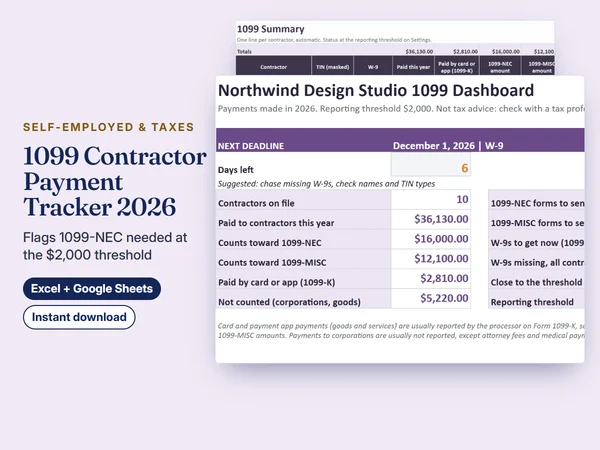 1099 Contractor Payment Tracker 2026
Log contractor payments and see who needs a 1099 at the $2,000 threshold.
-
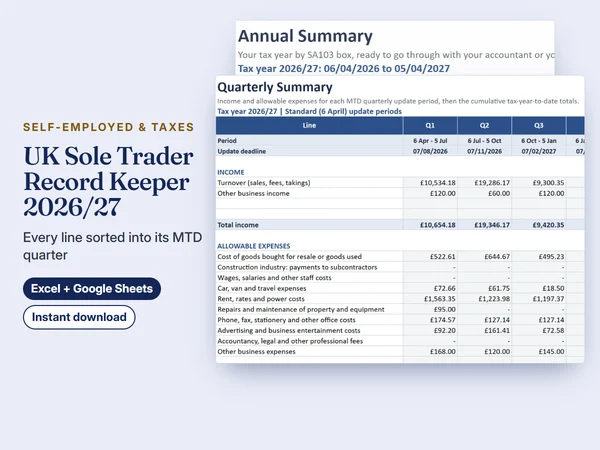 UK Sole Trader Record Keeper 2026/27
Income, expenses and mileage by quarter and SA103 box. UK tax year, £ amounts.