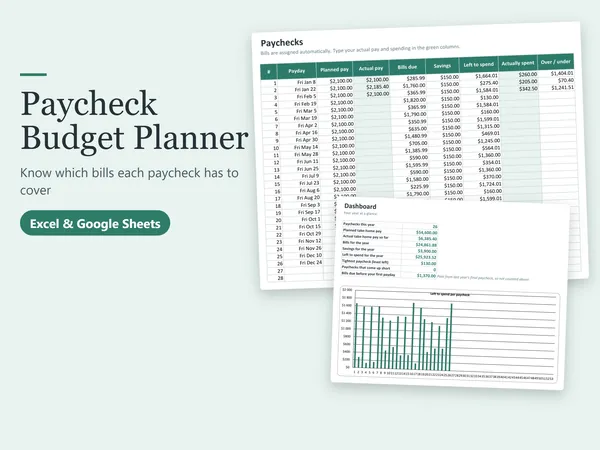
About this template
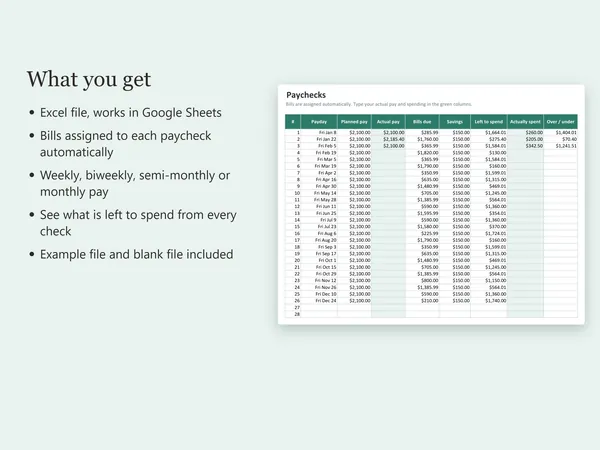
Know exactly which bills each paycheck has to cover, and what is left to spend. Enter your paydays and your monthly bills once; the spreadsheet does the rest for the whole year.
Works with
- Excel (desktop, Excel 2010 or later, and Excel for the web)
- Google Sheets: upload the file to Google Drive and open it with Google Sheets
- Light green cells are for your entries; everything else calculates automatically
How it works
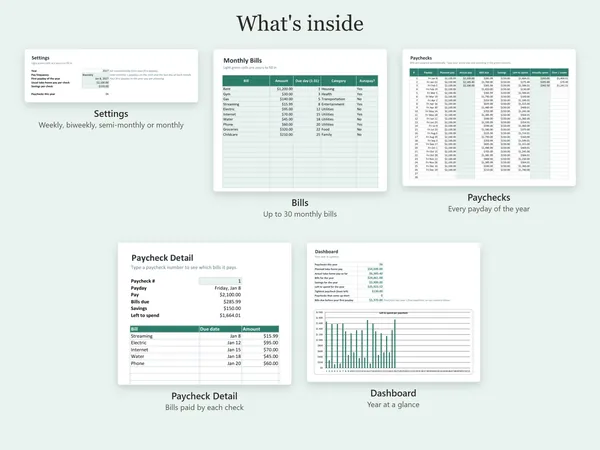
- Settings: choose weekly, biweekly, semi-monthly (15th and last day of the month) or monthly pay, your first payday of the year, your usual take-home pay and how much you save from each check
- Bills: list up to 30 monthly bills with the amount and due day
- Paychecks: every payday of the year, with the bills it covers, your savings and what is left to spend. Type your actual pay and spending to compare with the plan; shortfalls turn red
- Paycheck Detail: type a paycheck number to see exactly which bills it pays
- Bill Dates: every bill due date of the year and the paycheck that covers it
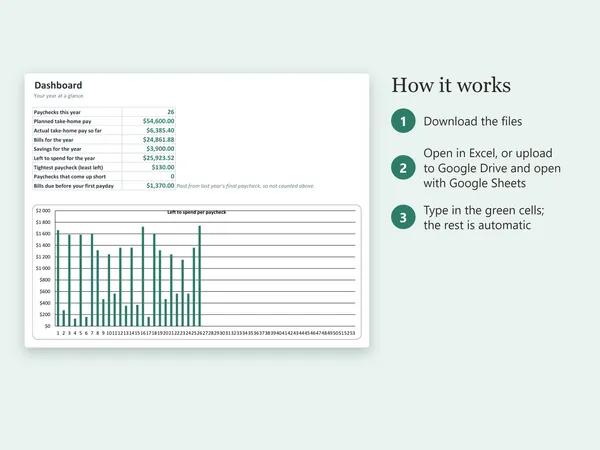
- Dashboard: year totals, your tightest paycheck and a chart of what is left from each check
- Start Here: step-by-step instructions inside the file
Look inside
File details
- Format
- Excel (.xlsx), opens in Google Sheets
- Tabs
- 7
- License
- Personal use
- Delivery
- Instant download, 2 files
| File | Type | Size |
|---|---|---|
| Paycheck_Budget_Planner.xlsxfilled in with example bills so you can see how it works | Excel (.xlsx) | 42 KB |
| Paycheck_Budget_Planner_Blank.xlsxthe same file, ready for your own numbers | Excel (.xlsx) | 42 KB |
Personal use. Please do not resell or share the files. About licenses
Questions
How do I get my files?
Right after payment, your download links appear on screen and arrive by email. Each link works for 7 days and 5 downloads, so save the files to your device.
Do I need Excel?
No. The .xlsx files open in Excel, and in Google Sheets for free: upload the file to Google Drive and open it with Google Sheets. Formulas keep working in both.
Will anything be shipped?
No. This is a digital download. Nothing is mailed to you, and there are no shipping costs.
What if a file does not work?
Write to us and we will fix it or send a new file. You can also ask for a full refund within 14 days, no questions asked.
You may also like
All spreadsheets-
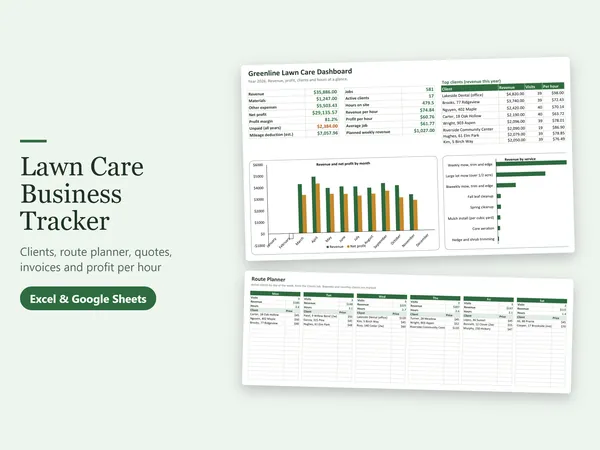 Lawn Care Business Tracker
Clients, jobs, pricing, invoices and profit for a lawn care business.
-
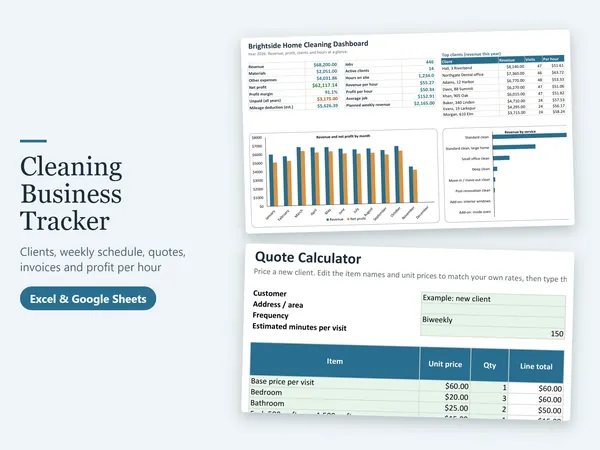 Cleaning Business Tracker
Clients, schedule, price calculator and profit for house cleaning.
-
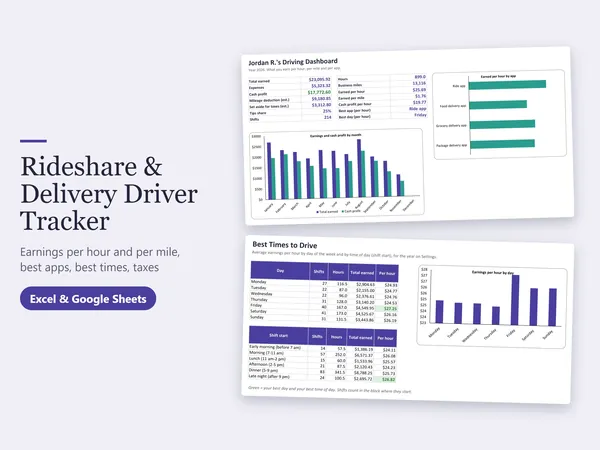 Rideshare & Delivery Driver Tracker
Earnings, miles and expenses for rideshare and delivery drivers.
-
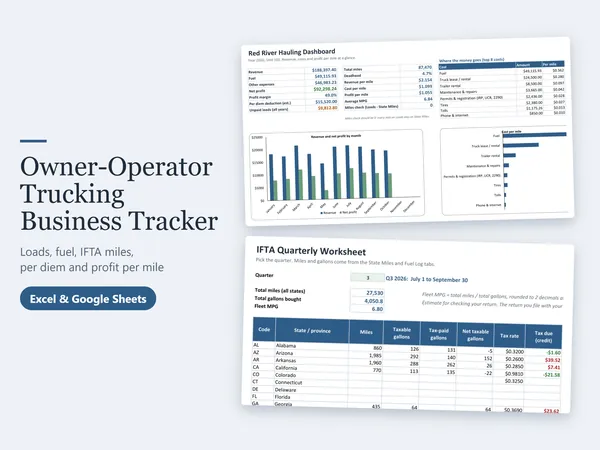 Owner-Operator Trucking Business Tracker
Loads, miles, fuel and profit per mile for owner-operators.